


Create Paradise Now

Free · Paradise Setup Kit

Make your Mac & iPhone feel like paradise.

The exact look I work in every day in Bali: 7-colour Paradise OS wallpapers plus 4 art moods for Mac and iPhone, pearl folder icons, a quiet-luxury cursor and a Chrome theme with a “Welcome to Singularity” new tab.

01 · Paradise OS wallpapers

My desktop. In seven colours.

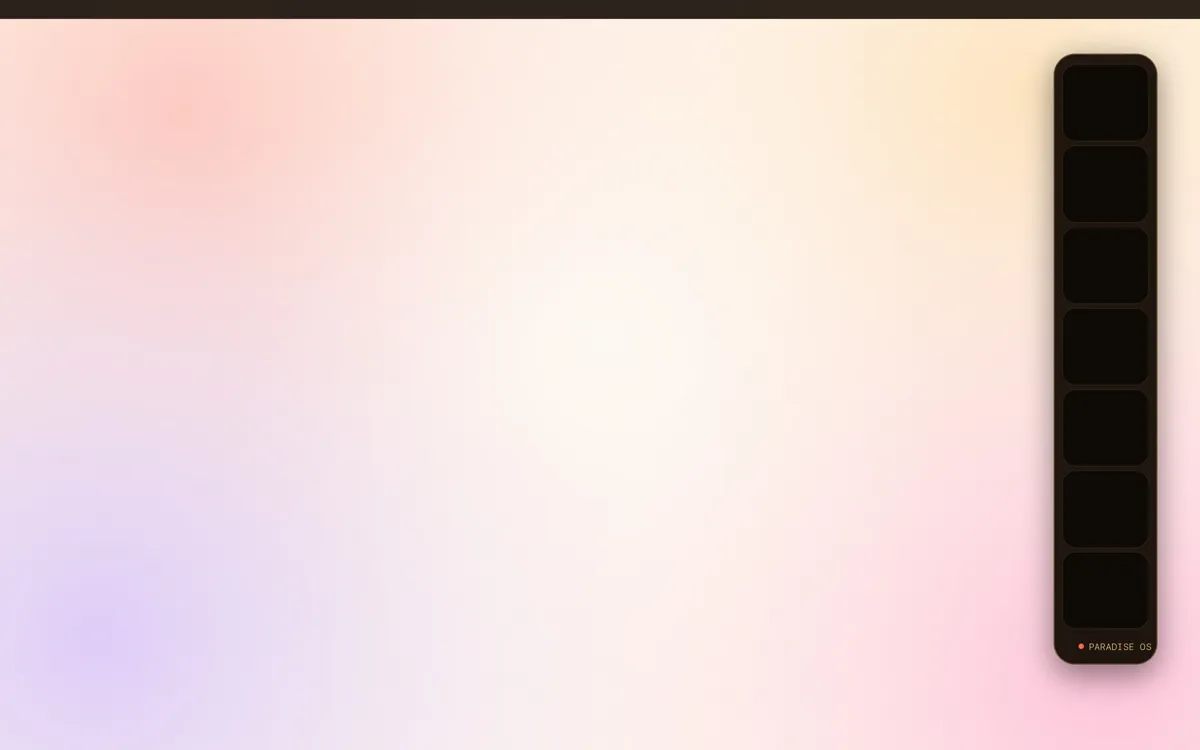
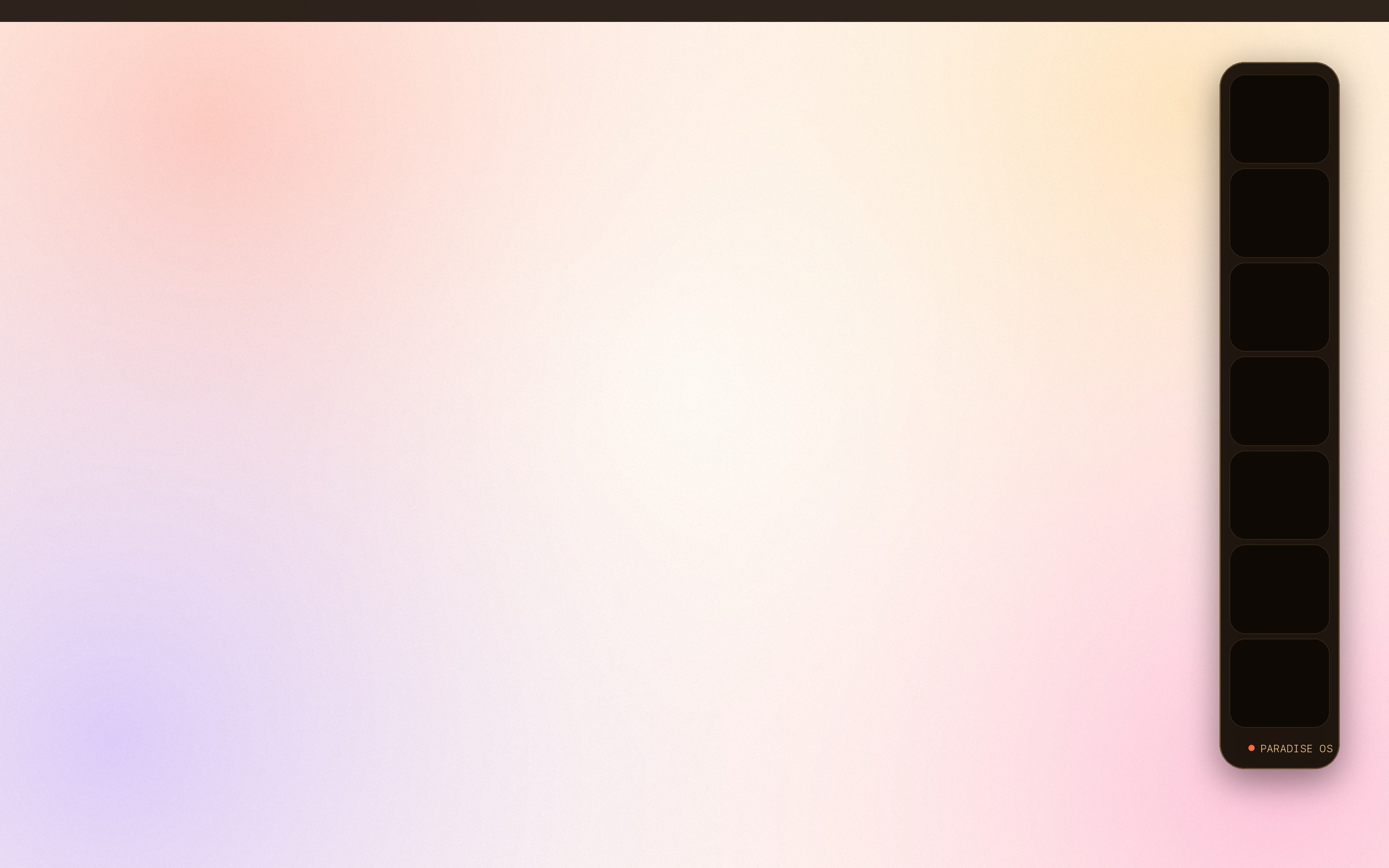
The exact wallpaper on my Mac — soft mesh gradient, optional obsidian dock shelf. Pick a colour, preview it on Mac or iPhone, then download.
Paradise OS wallpaper preview on a Mac
IrisPeach · gold · lavender — my own desktop
Download for Mac · 3360×2100

Art moods

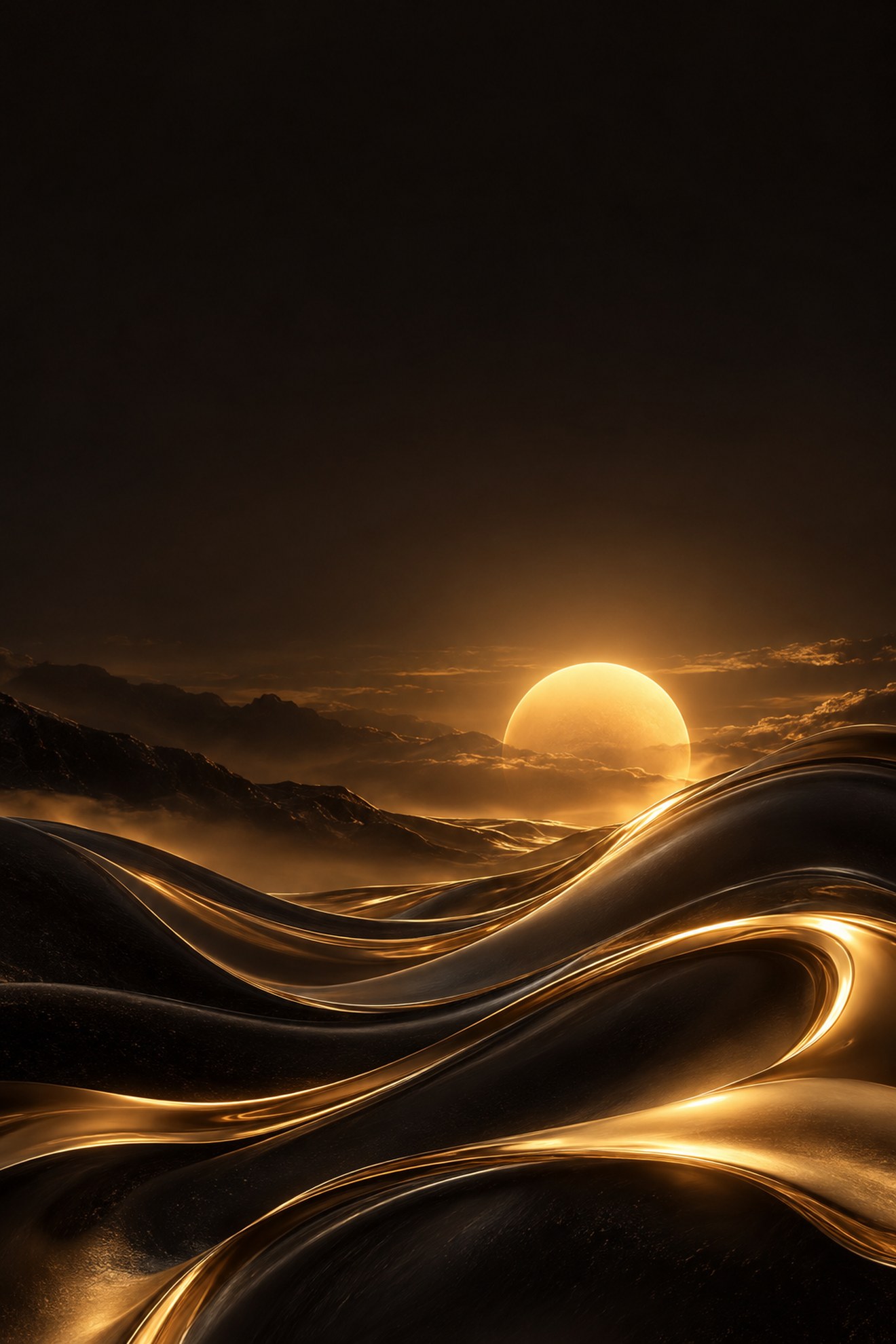
Obsidian Gold desktop wallpaper
Obsidian GoldDeep focus. Liquid gold over black.
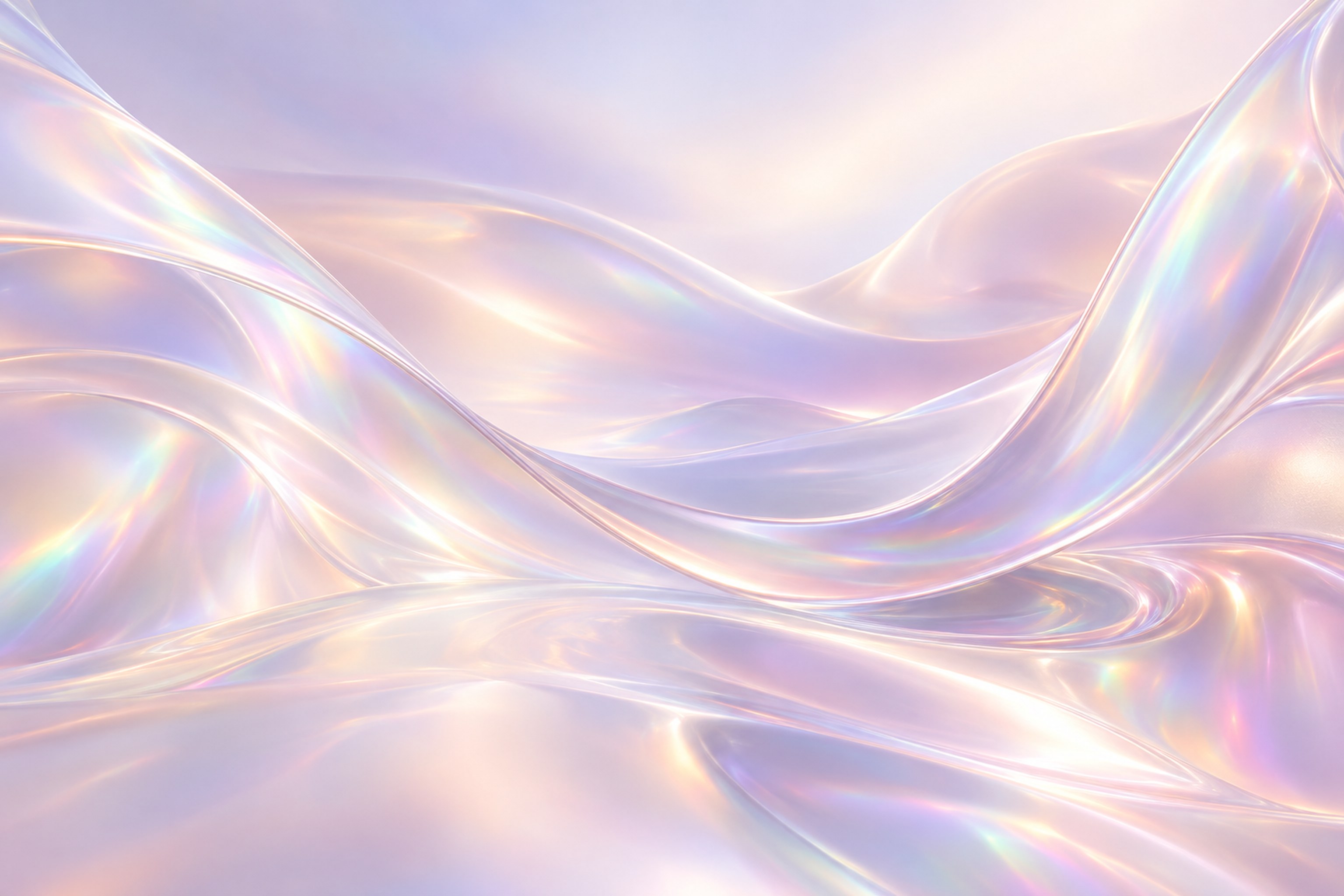
Pearl Iris desktop wallpaper
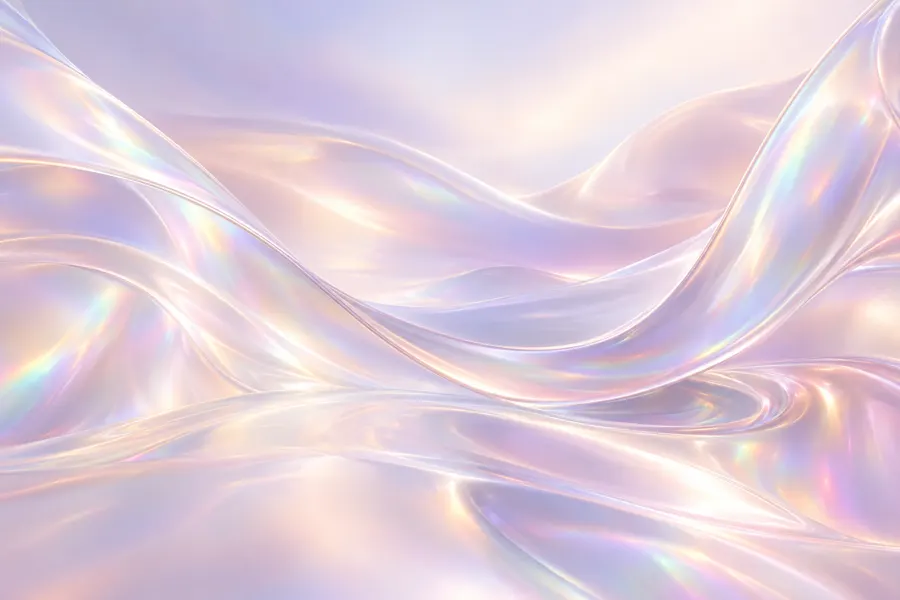
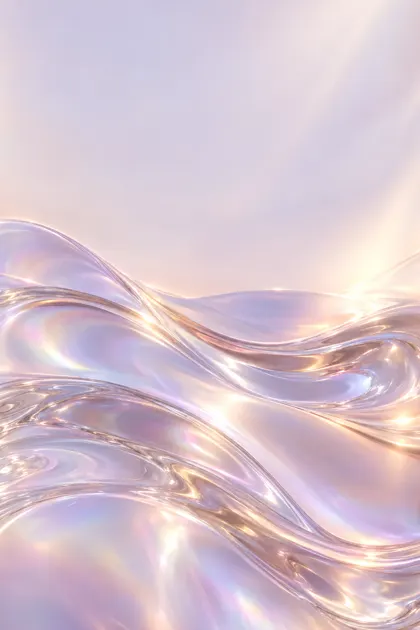
Pearl IrisSoft, iridescent, calm. Matches the folder icons.
Bali Dawn desktop wallpaper
Bali DawnThe magma sun over the Indian Ocean.
Paradise Velvet desktop wallpaper
Paradise VelvetThe original: warm velvet in the site palette.

Install on Mac

  1. Download the Mac file.
  2. Open System Settings → Wallpaper → Add Photo and pick the file.
  3. Choose Fill Screen. Done.

Install on iPhone

  1. Open this page on your iPhone, tap iPhone, then Share → Save Image.
  2. Settings → Wallpaper → Add New Wallpaper → Photos.
  3. Pinch to position, tap Add → Set as Wallpaper Pair.

Like the look? Send the kit to a friend — it’s free.

02 · Folder icons
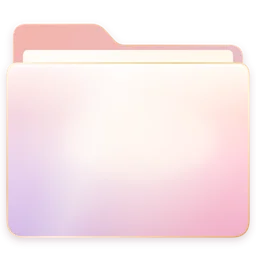
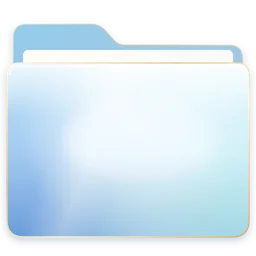
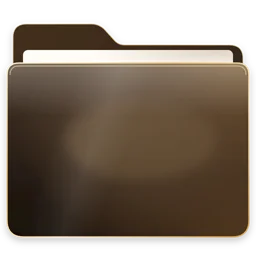
Pearl folders in seven colours.

Iris folder icon
Iris
Amethyst folder icon
Amethyst
Jade folder icon
Jade
Rouge folder icon
Rouge
Sahara folder icon
Sahara
Lagoon folder icon
Lagoon
Obsidian folder icon
Obsidian
Download icons · 7 colours (.png + .icns)

Apply to any folder

  1. Unzip, open an icon in Preview, press ⌘A then ⌘C.
  2. Select a folder in Finder, press ⌘I (Get Info).
  3. Click the small folder icon top-left, press ⌘V. To undo: select it and press Delete.

iPhone: iOS doesn’t allow folder icons. Use the matching wallpaper above plus the Shortcuts app → “Add to Home Screen” with a pearl icon image for your favourite apps.

03 · Cursor

A quiet-luxury cursor.

Every state redrawn: ink arrow with a gold hairline, matching hands for links and dragging, a refined text beam and a sun that ignites while your Mac is thinking. Retina-sharp up to 10×.


Arrow cursor
Arrow
Link hand cursor
Link hand
Open hand cursor
Open hand
Grab cursor
Grab
Text cursor
Text
Thinking sun cursor
Thinking sun

Install

  1. Install the free open-source Mousecape app (GitHub: alexzielenski/Mousecape).
  2. Unzip, drag ParadisePearl.cape into Mousecape.
  3. Double-click it to apply. Revert anytime with Reset.

04 · Chrome

Welcome to Singularity — your new tab.

A calm pastel Chrome theme and a new tab with the site’s headline, search and your shortcuts. One click in the Chrome Web Store as soon as review finishes — install manually today:

No tracking, no data collected. Privacy policy.

Install manually (1 minute)

  1. Unzip both files.
  2. Open chrome://extensions and switch on Developer mode (top right).
  3. Click Load unpacked and choose each unzipped folder. Open a new tab.

Want this for your whole business?

We design sites, shops & AI agents in this style.